intermediate
Psychometrician Licensure Exam (PmLE)
A free psychometrician review sample: 10 short tests, 100 original questions and clear answer explanations.
Instructor · Ms. T.
For your next professional chapter
Explore review programs, practice with purpose, and see your progress in one study space.
Inside your study space

Hi, I'm Moshie — your AI study buddy 👋
Find a program, explore its curriculum, and check the price before you enroll.
1 program available
intermediate
A free psychometrician review sample: 10 short tests, 100 original questions and clear answer explanations.
Instructor · Ms. T.
From choosing a course to deciding what to study next, keep your review in one place.
Compare the curriculum, course price and available previews before deciding.
Work through lessons, use Learn Mode, and review flashcards from available question banks.
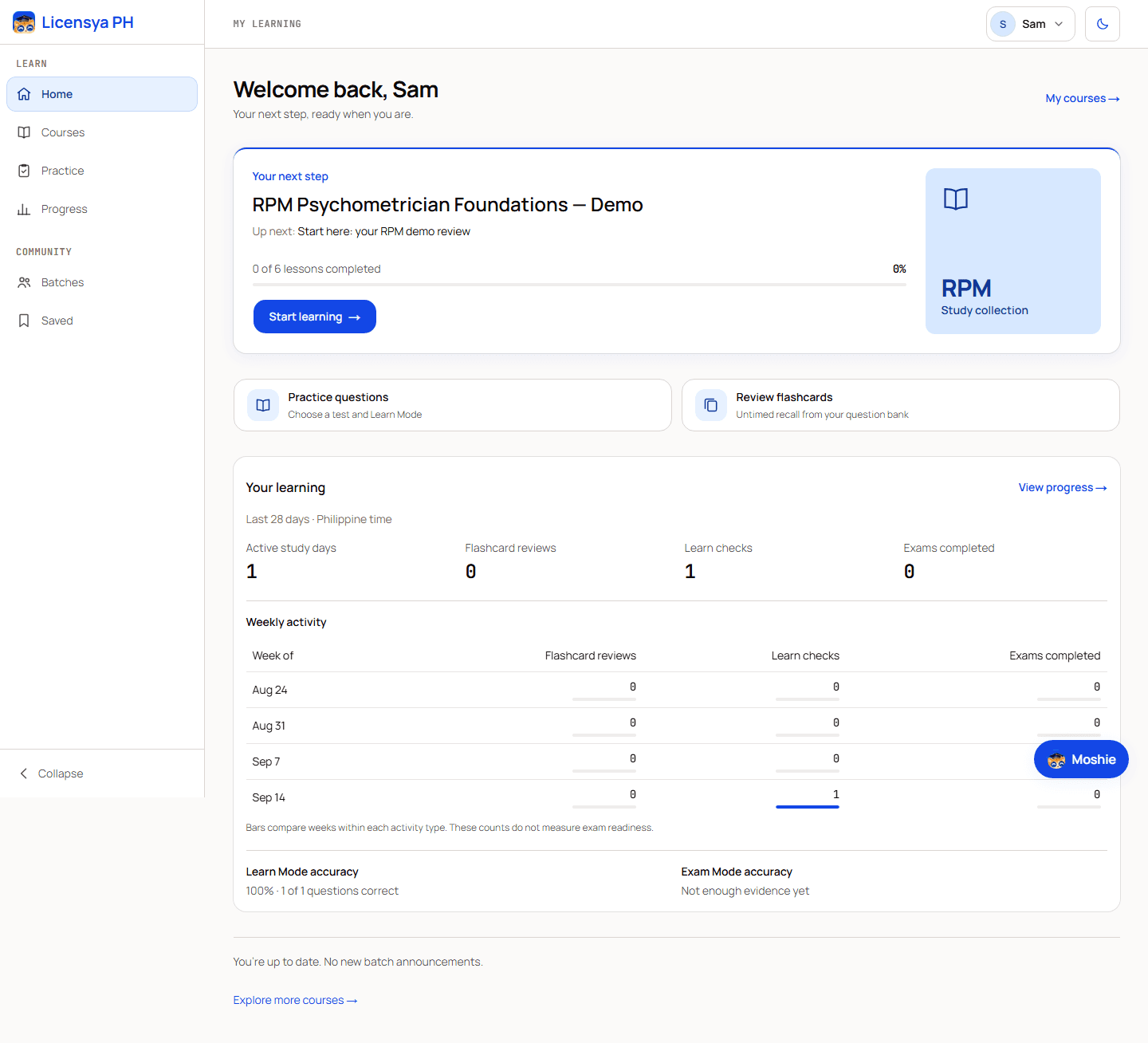
Use your recorded activity and results to choose your next study session.
A learning workspace that helps you return to your material, practice, and understand your results.
See completed lessons and a clear next step when you return to your courses.
Check your answers in Learn Mode, or try timed Exam Mode where available.
Keep lesson completion, assessment accuracy and flashcard recall in view as separate measures.
Use the web workspace on your phone, tablet or computer with light and dark appearances.
Explore available batches for a structured course schedule and instructor announcements.
Explore review batchesThe catalogue above shows our currently published programs and prices. Open a course to see its curriculum. New programs appear here when they are published.
Yes. You can view the public curriculum and any lessons marked as previews. Preview availability varies by course; check the course page before enrolling.
Each course has its own displayed price. Review the course and checkout details before paying. Courses with no fee are marked Free.
Yes. The web workspace adapts to phones, tablets and computers. Online lessons and practice require an internet connection.
Practice content varies by program. Learn Mode and flashcards use available question banks; timed Exam Mode is available for tests with a time limit.
No. Learning activity and practice results help guide your review, but they are not a guarantee of board-exam readiness or results. Follow the official guidance for your examination.